View Logs
PolicyTech™ keeps logs of all errors and email receipts.
To view a log,
- Click PREFERENCES.
- Click System / IT Settings, and then click View Logs.
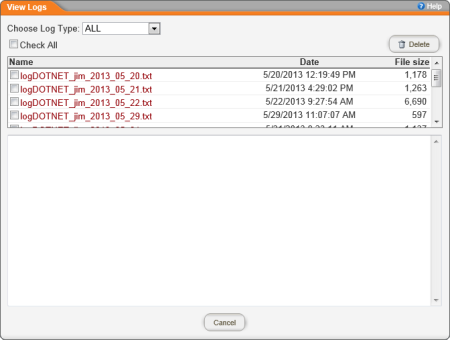
- In the View Logs window, do any of the following:
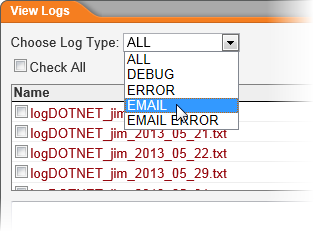
- All logs are shown by default. To display only one type of log, in the Choose Log Type list, click a type.
- To view a log, click its file name.
- To delete a log, select its check box, and then click Delete.
 Screenshot...