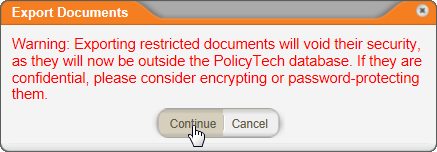
Screenshot...
Important: The ability to export documents is available only if it has been enabled. Contact your document control administrator if you have questions.
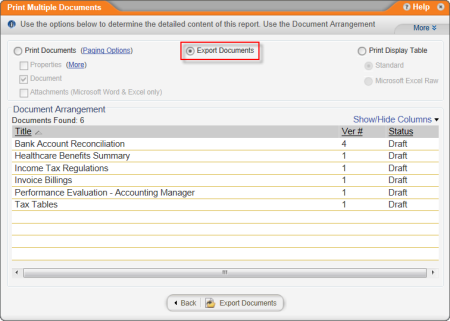
To export documents (save them to a local disk) in their existing file formats, use the Print Multiple Documents report. Refer to Report: Print Multiple Documents for detailed instructions, along with the changes noted below.
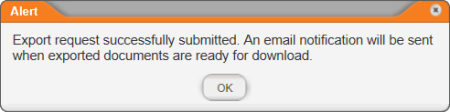
Then, when you see the alert below, click OK.
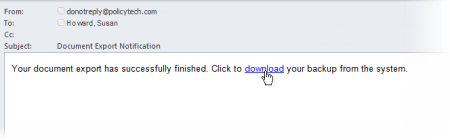
Note: If you are not set up to receive email notifications from PolicyTech™, click MY TASKS, click Messages, and then click Inbox. Click the Document Export Notification message to view its contents, and then click the download link.
PolicyTech opens in a browser window. If you see the login window, log in as you normally would. You should now see a Windows system prompt asking if you want to open or save the download zip file. Save it to disk, and then unzip the files.